

Great Oaks Elementary
Our Mission Statement
Great Oaks Elementary School will promote academic excellence in a caring environment.
Great Oaks News
Subscribe to RSS Feed for Great Oaks NewsNew App for Lunch Menus
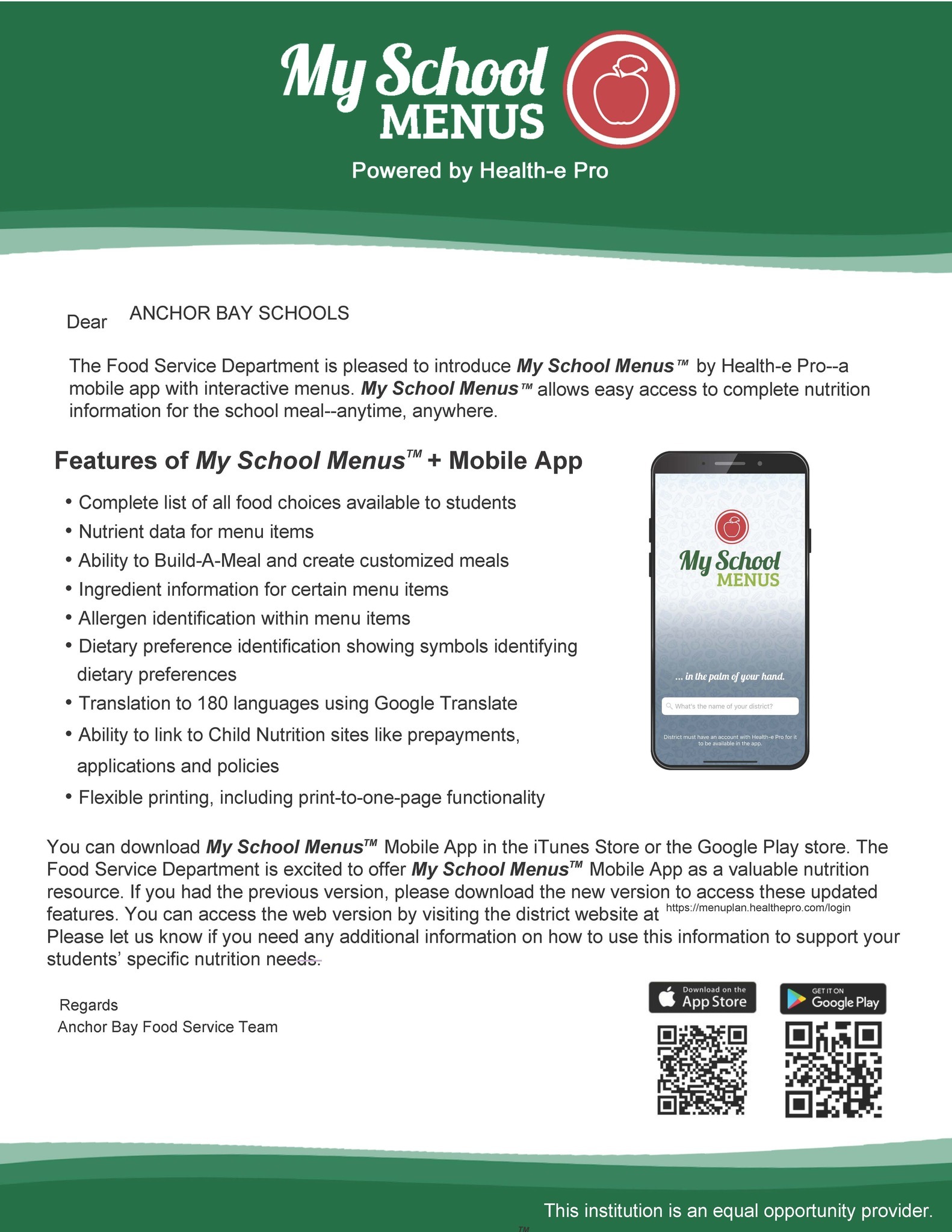
Our school menus now have their own app!
- Complete list of all food choices available to students
- Nutrient data for menu items
- Ability to Build-A-Meal and create customized meals
- Ingredient information for certain menu items
- Allergen identification within menu items
- Dietary preference identification showing symbols identifyingdietary preferences
- Translation to 180 languages using Google Translate
- Ability to link to Child Nutrition sites like prepayments,applications and policies
- Flexible printing, including print-to-one-page functionality
Information the high school will be coming soon.
Preschool Open House - February 19th!

Anchor Bay Preschool Open House will be on February 19th, 2026 from 6-7:30pm. Come learn about our preschool programs!
Kindergarten Readiness Night - March 19th, 6pm at ABHS
 Kindergarten parents are encouraged to join us for a Kindergarten Readiness Night. Staff will be on hand to answer questions and go through our annual Kindergarten Readiness presentations.
The window for Kindergarten registration and and Schools of Choice starts February 12th. Visit the Enrollment/SOC page for more information.
2026-2027 Unlimited Schools of Choice
 Applications will be accepted for Schools of Choice from February 12, 2026 through September 3, 2026 at 3:30 p.m.
2026-2027 Schools of Choice is available for Kindergarten/Young Fives through 11th grade.
Placement at requested schools is dependent on class size and availability. The date for enrollment shall be no later than the end of the first week of school which is September 4, 2026.
The following documents are required to be submitted with your Schools of Choice Application:
- Statement of Prior Discipline Record
- Discipline report/print-out from former school for the previous two years
- Child’s current report card (high school students must also include current transcript)
- Child’s most current IEP if your child is presently receiving any special education programs or services
Please apply for Schools of Choice by completing the Enrollment Express Pre-Registration Link:
- Select Enrollment School as the Resident School and answer the Schools of Choice questions.
- When the pre-registration form is approved, you will receive an email with instructions to create an online Parent Portal Account.
- From the Parent Portal, the following enrollment forms must be competed:
- Student Demographics
- Previous Enrollment and Records Release
- Discipline Record
- 2026-2027 Out of District Schools of Choice Application
- If your Schools of Choice Application is approved, you will receive an email indicating your child’s placement.
- You will need to log back into the Parent Portal to complete the remainder of the enrollment forms.
- Your child’s enrollment is complete when all forms are completed and you have submitted the required documents:
- Birth Certificate
- Immunization Record
- Parent Photo ID
- Two (2) proofs of residency
- Hearing and Vision Screening (kindergarten and Young Fives only)
- Oral Health Assessment (kindergarten and Young Fives only)

Mark Your Calendar
Our calendar can be linked to your phone/device's calendar app. Please click on the calendar icon next to "Upcoming Events" below for directions on how to set this up.
Upcoming Events
 Subscribe to Upcoming Events Calendars
|
Previous
February
2026
Next
|
|||||||||||||||||
| S | M | T | W | T | F | S | |||||||||||
|---|---|---|---|---|---|---|---|---|---|---|---|---|---|---|---|---|---|
| 1 |
2
|
3
|
4
|
5
|
6
|
7 | |||||||||||
| 8 |
9
|
10
|
11
|
12
|
13
|
14 | |||||||||||
| 15 |
16
|
17
|
18
|
19
|
20
|
21 | |||||||||||
| 22 |
23
|
24
|
25
|
26 |
27
|
28 | |||||||||||
Spotlights








Contact Us
Great Oaks Elementary
Office
School Times:
Full Day: 9:00 AM - 3:51 PM
1/2 Day: 9:00 AM - 12:26 PM


Documents & Forms
Medical Forms
Lunch Menus/Food Service Information
PTO
The Great Oaks PTO has a website for PTO events, signups, etc. The school code is V3TPU7. Please click on the link below.
School Age Childcare

 Pay For It
To pay using Pay-for-it:
- Log on to https://www.payforit.net/
- Register for an account (You can get step by step instructions here: https://www.payforit.net/Images/SigningUp.pdf)
- Add students to your account. You will need their Power Schools ID (you can get this from your school office.
- Click on the Fees Tab to pay your students assigned or optional fees.
To Make a payment on Pay-for-It:
- Log in and got to the "Fees" tab
- Click on "Make Fee Payment"
- Under Optional Fees - Click on the green "+".